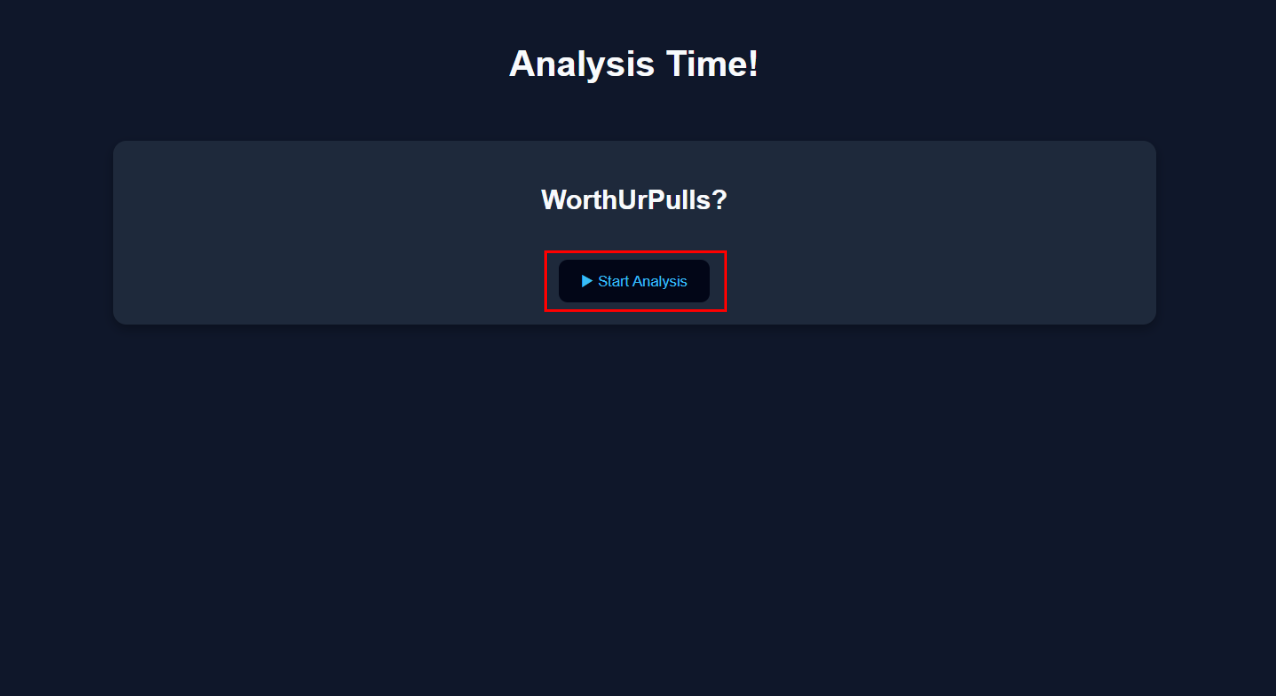
Welcome to WorthUrPulls
A quick tour of the site.
Step 1
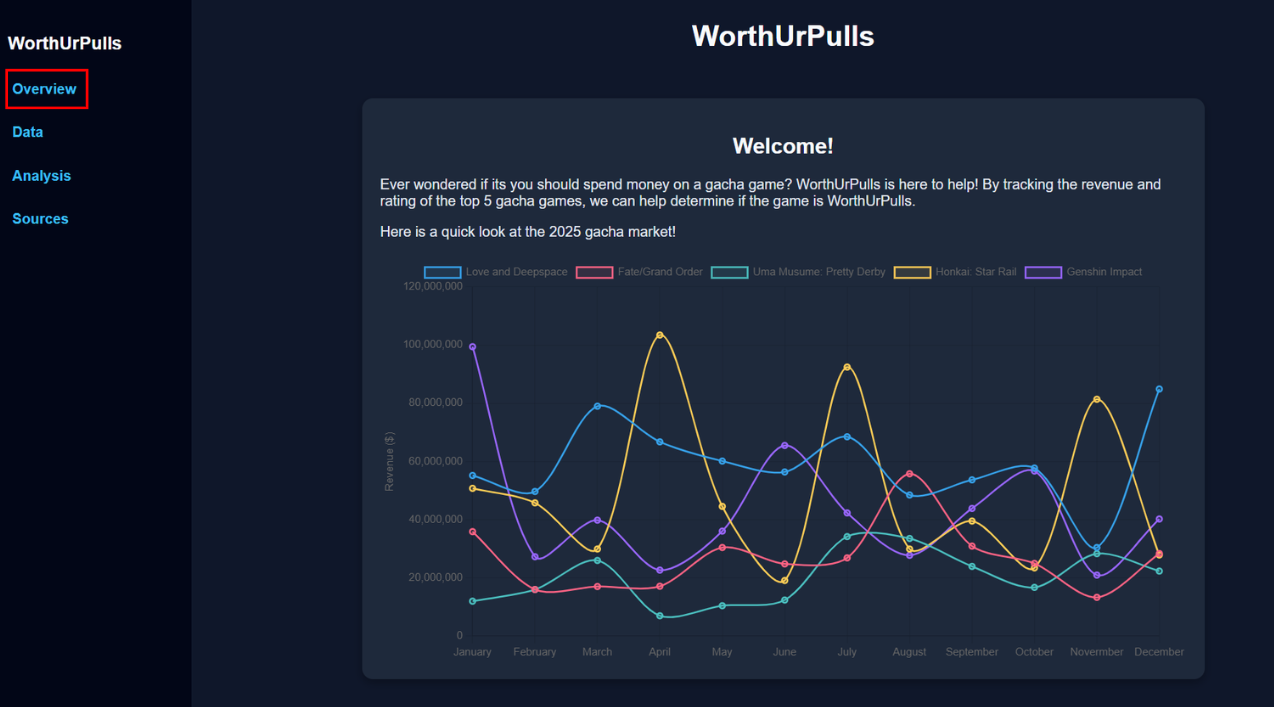
Overview This is where the site begins!
Step 2
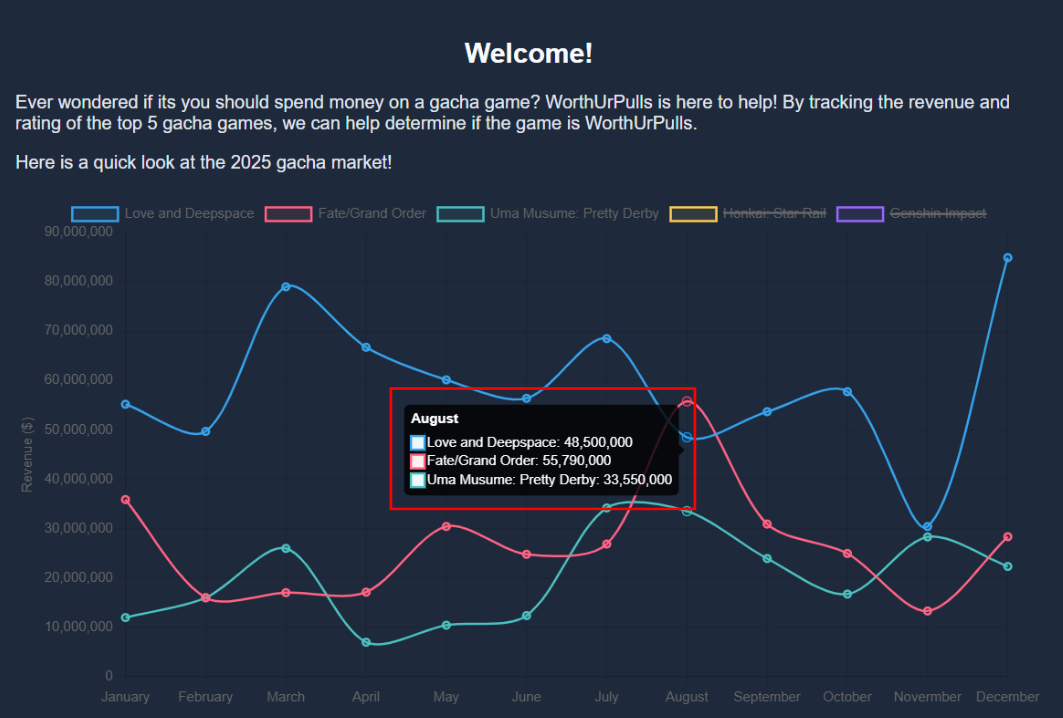
Customize You can select and deselect each game to hide/show it on the graph.

Step 3
View Hover over the points at each month to see monthly revenue each selected game.
Step 4
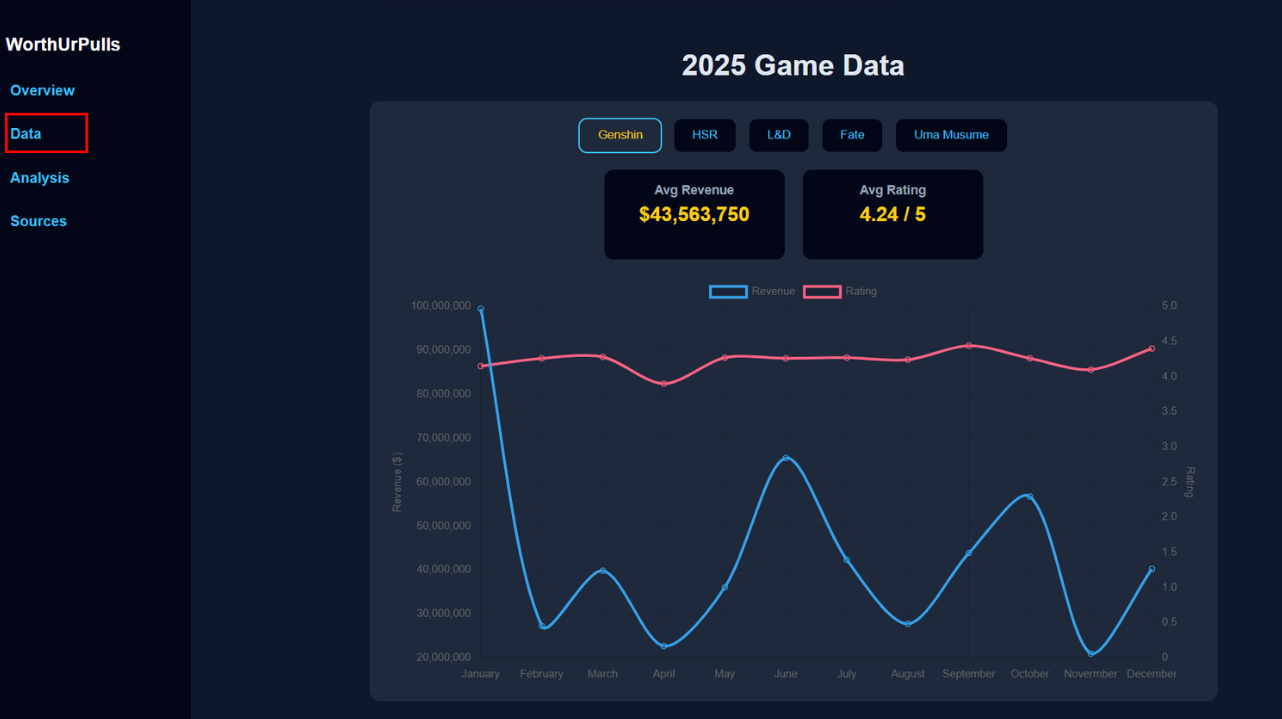
Data This section shows monthly revenue and ratings for each game separately.
Step 5
Browse Games Select different game data by clicking on the tabs
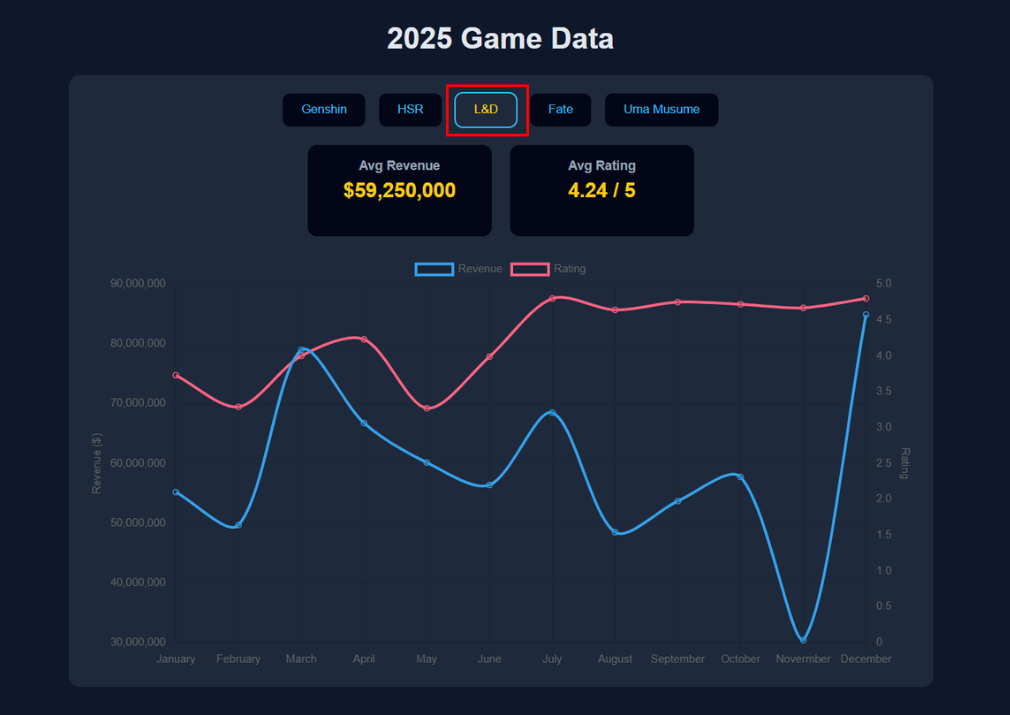
Step 6
Customize Select/deselect either revenue or rating to show/hide it from the graph
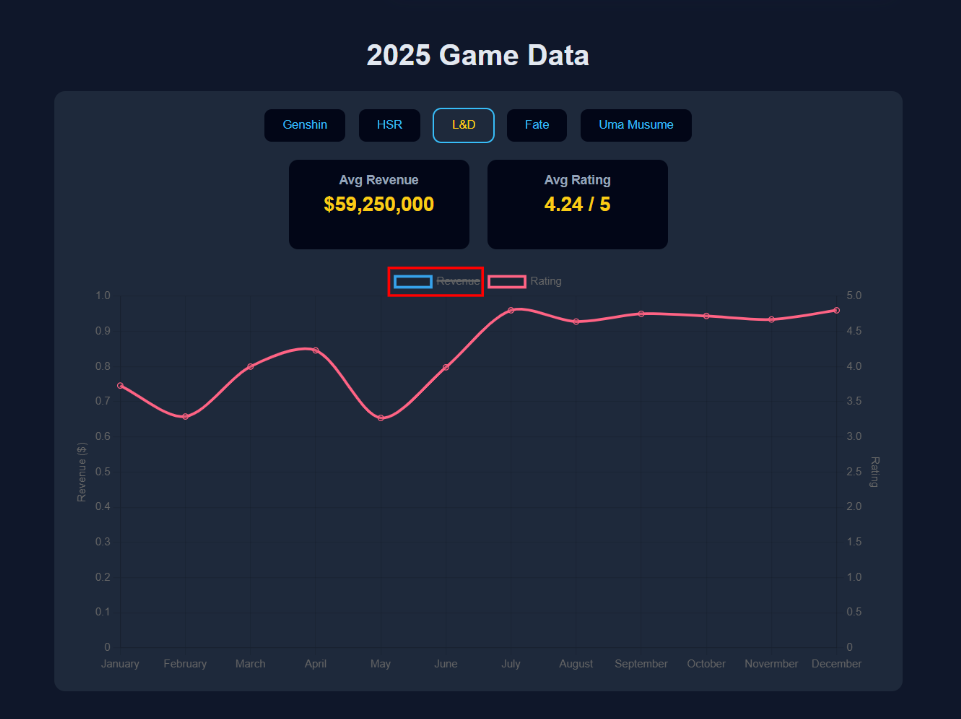
Step 7
View Hover over the points at each month to see exact numbers for each month.
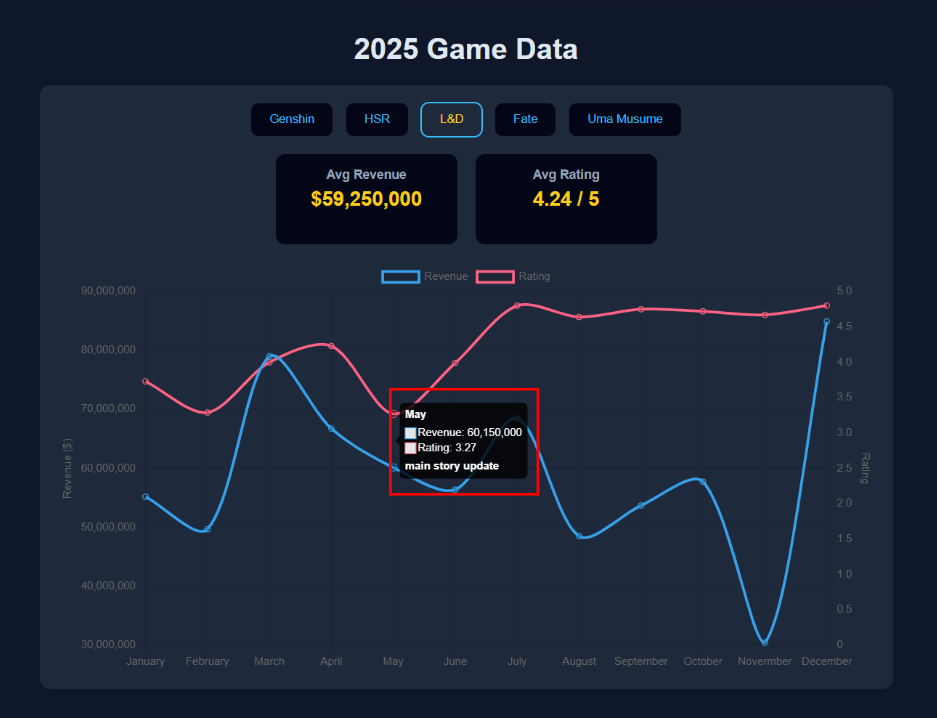
Step 8
Analysis Come here at the end to get final verdicts
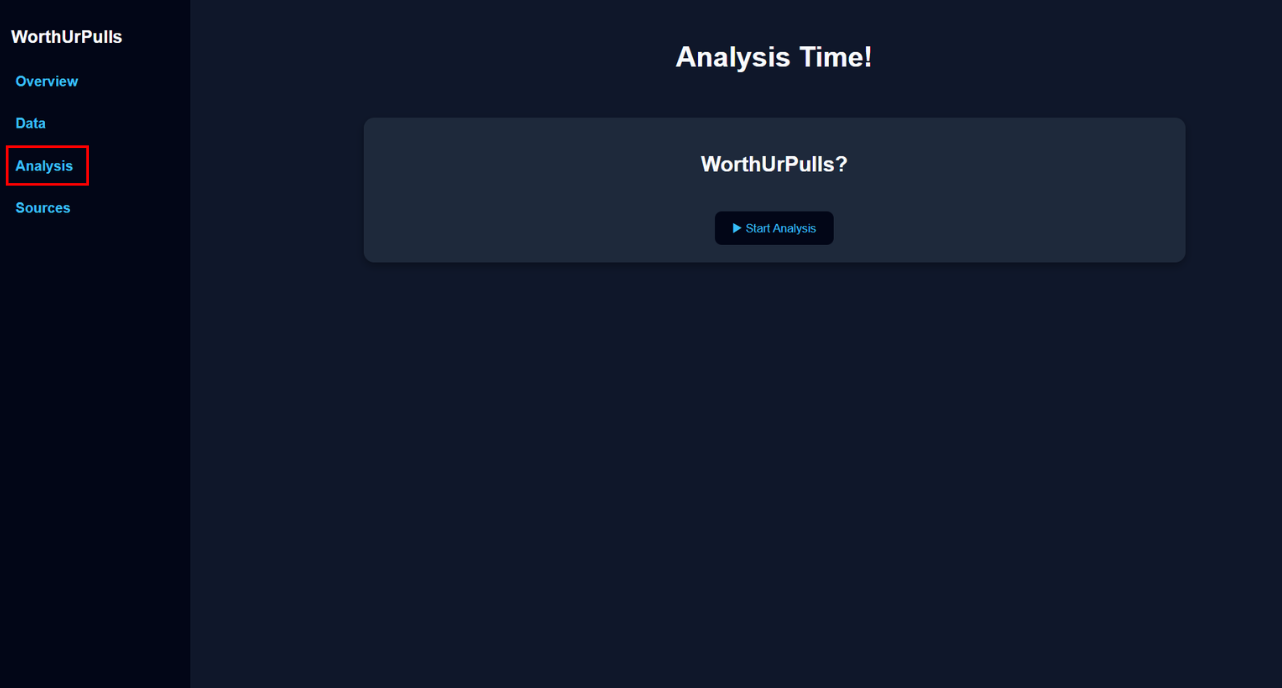
Step 9
Moment of truth Click start!